Clout account
Use your Clout account to sign in, manage your team, check product access, and use the client portal.
On this page
Your Clout account is your sign-in for Hydra X, Clout Browser, and Clout Studio VIP. Use the client portal to manage your team, find your products, download software, and check your subscriptions.
Each teammate signs in with their own Google or Telegram account. Give them the access they need through Team rather than sharing your sign-in.
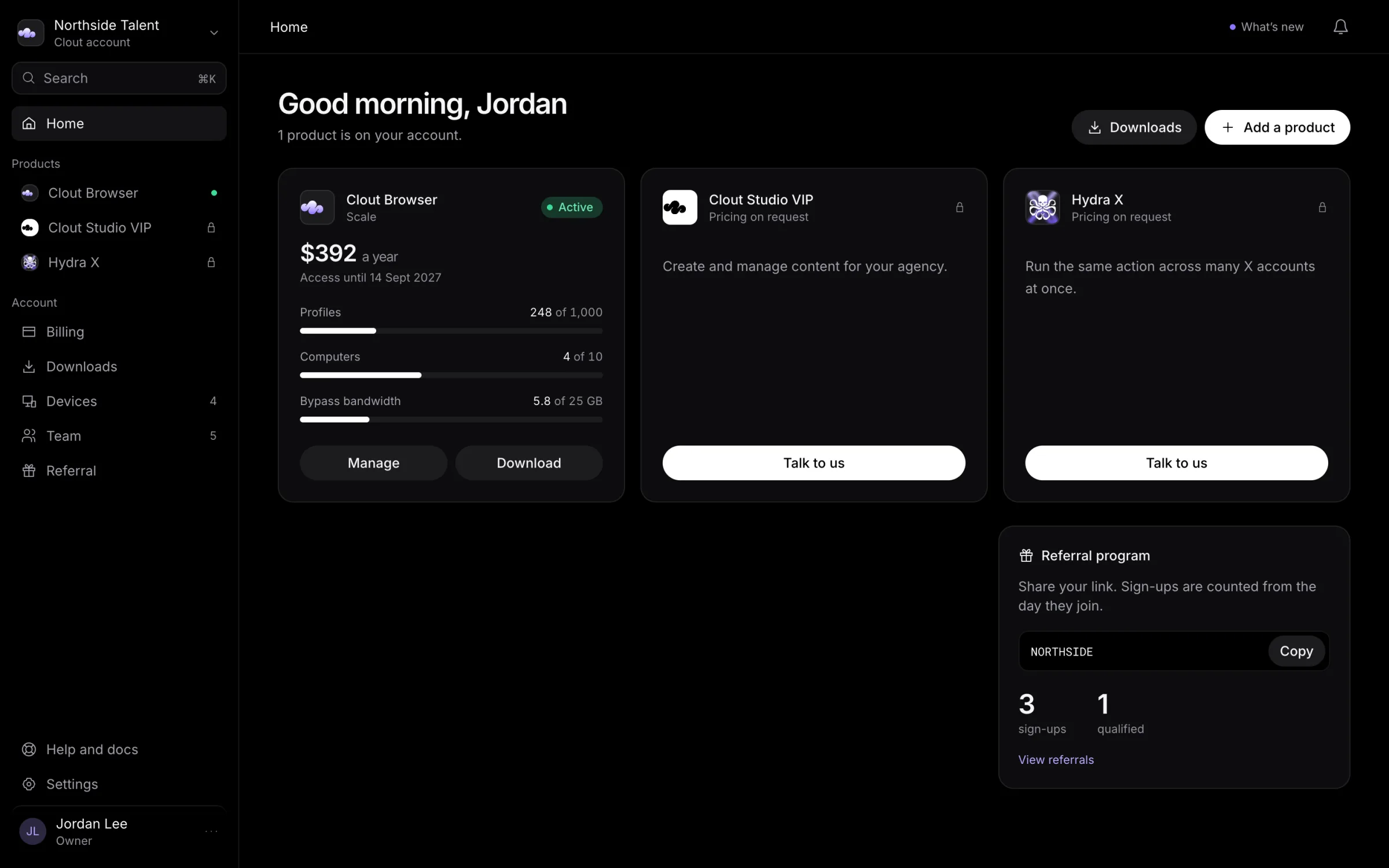
Start here
- Sign in to the portal with Google or Telegram.
- Open Home to find your products.
- Buy a Clout Browser plan, or talk to us to arrange Hydra X or Studio VIP. Their pricing is on request.
- Open Downloads for the available installers.
- Invite your team and check each person's product access.
Signing in identifies you. Access to a product still depends on the access arranged for your account and the product's own permissions.
Find the right portal page
| Page | What you do there |
|---|---|
| Home | Find included products and open a product's page. |
| Product pages | Check product access, access dates, and Clout Browser usage. |
| Billing | Review subscriptions and manage your Clout Browser plan, card, invoices, and bypass bandwidth. |
| Downloads | Download the builds available for your products. |
| Devices | Manage computers and your own sign-ins. |
| Team | Invite people, change access, or hand over ownership. |
| Settings | Review your profile, sign-in methods, security, sessions, preferences, and account controls. Open Browser settings for shared Clout Browser controls. |
| Referral | Review your referral code, recorded sign-ups, earnings, and payout requests. |
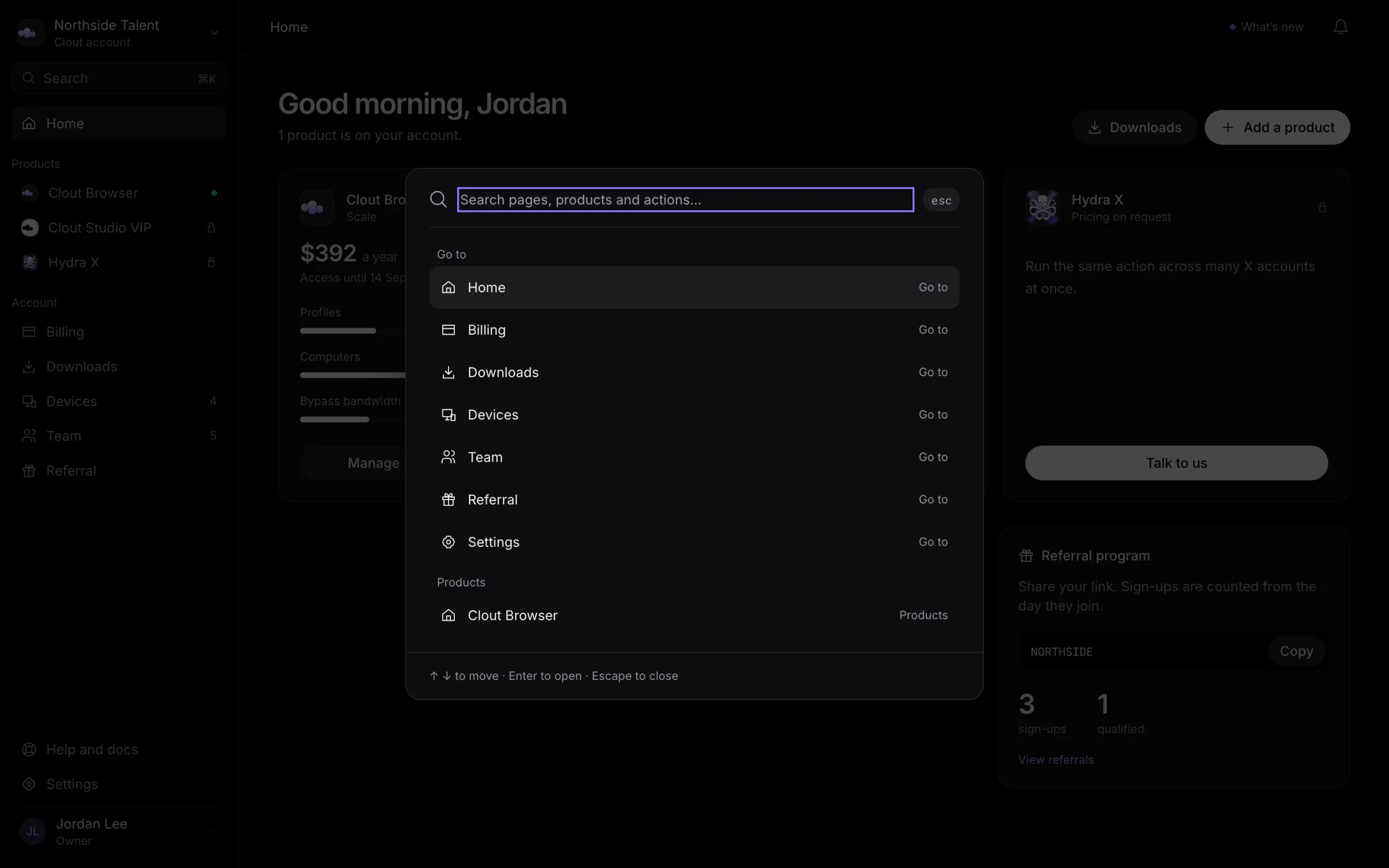
Select Search, or press ⌘K, to find portal pages, products, computers, and available actions.
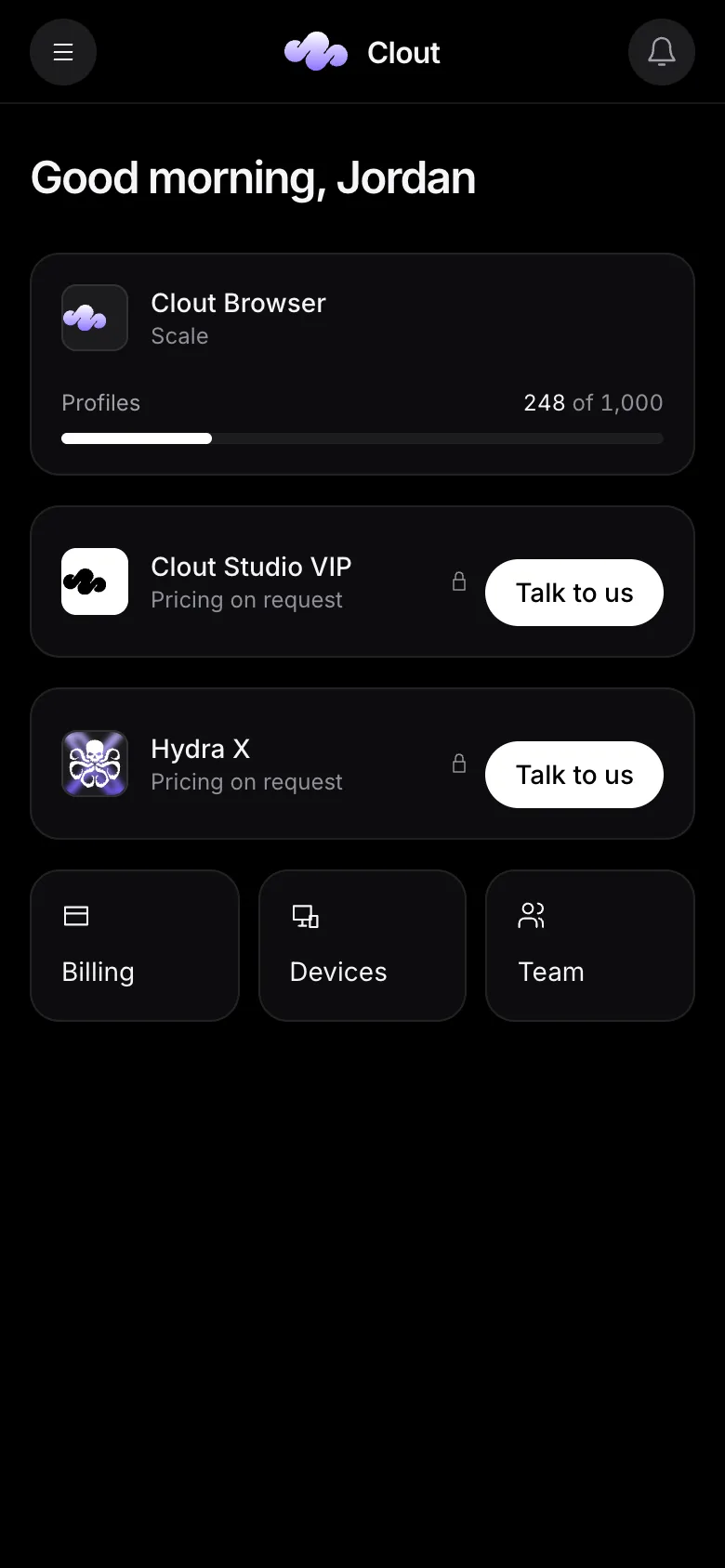
On a phone, use the menu button to open navigation. Home also has shortcuts to Billing, Devices, and Team.
Continue in your product
Use the product guides for day-to-day work: Hydra X, Clout Browser, and Clout Studio VIP.
If you cannot get into your account, talk to us.