Your products hub
Find your products on Home, open product pages, and choose where to continue working.
On this page
Open Home in the client portal. This is your software hub.
Find a product
Home shows included and available products together. Included cards show the plan and access status; Hydra X and Studio VIP show Pricing on request when they are not included.
- Select Manage on a product you have, or select its name under Products in the sidebar.
- Review the access information on its product page.
- Use the product's open or download control to continue.
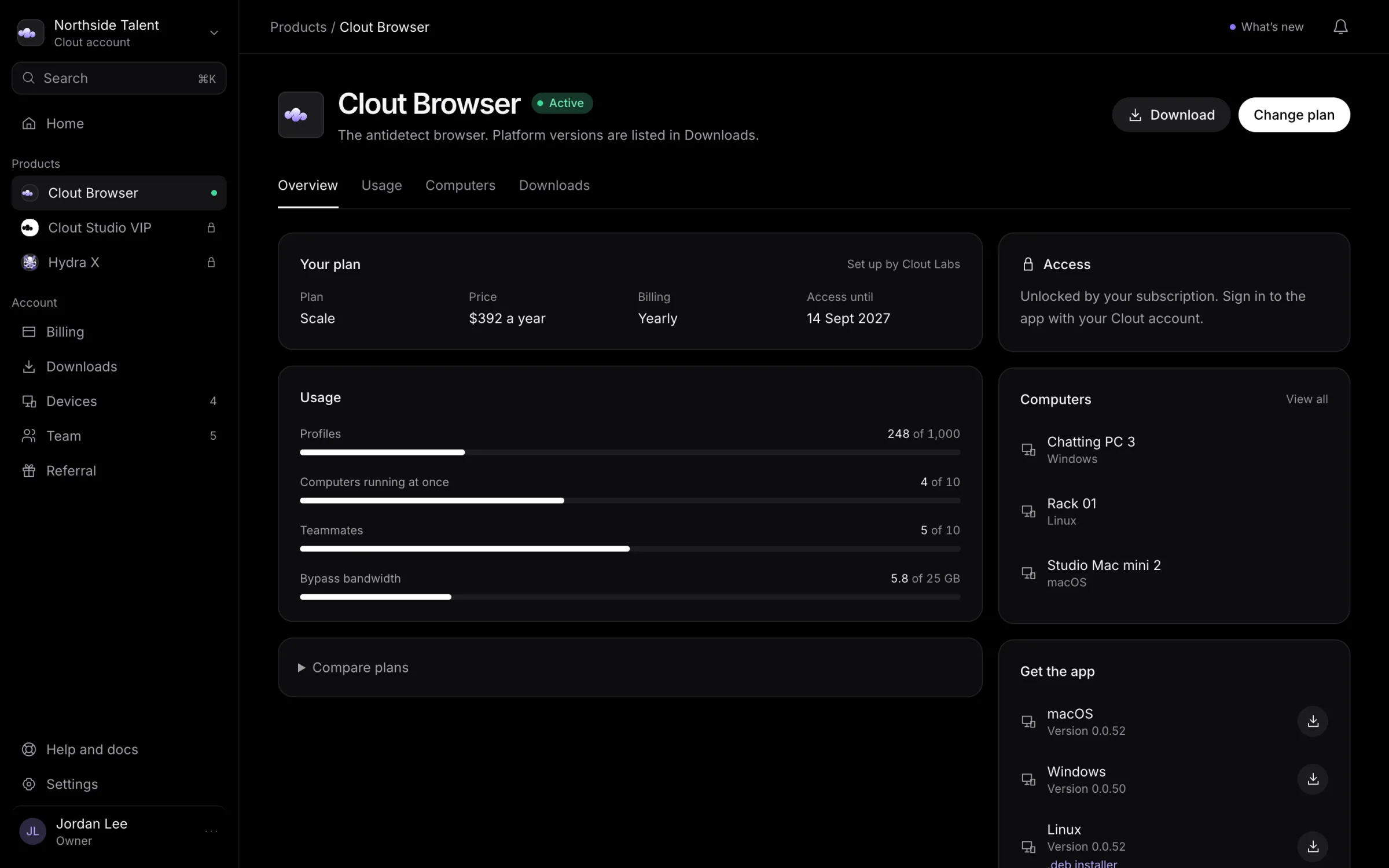
A product appearing on Home does not by itself mean that its access is currently active. Read the status and check Subscriptions and usage if access has ended.
Open or download a product
| Product | Where to continue |
|---|---|
| Hydra X | Use Open Hydra X on its product page when your account has access. Available desktop builds are under Downloads. |
| Clout Browser | Use Download, then install the app and sign in with your Clout account. |
| Clout Studio VIP | Use Open Studio for the web app, or Download for Mac for its Mac app. Studio checks your access when you open it. |
See Downloads for how to choose an installer.
Arrange access
For Clout Browser, review the current plans at cloutlabs.co/pricing and use Billing in the portal.
Hydra X and Clout Studio VIP are set up with the Clout team. Their pricing is on request: talk to us about your agency and the product you need.
If you do not see expected access
Check that Settings → Sign-in methods shows the sign-in you normally use. Then open Team to check your membership and ask the Owner or Admin to review your product access.
If Clout has arranged access for you and it still does not appear, contact us with the product name and what the portal shows. You do not need to create another Clout account.