Signing in
Sign in with Google or Telegram, create your account, and return to the same account across Clout products.
On this page
Open app.cloutlabs.co and choose Google or Telegram. Your first successful sign-in creates your Clout account; you do not need a separate registration step.
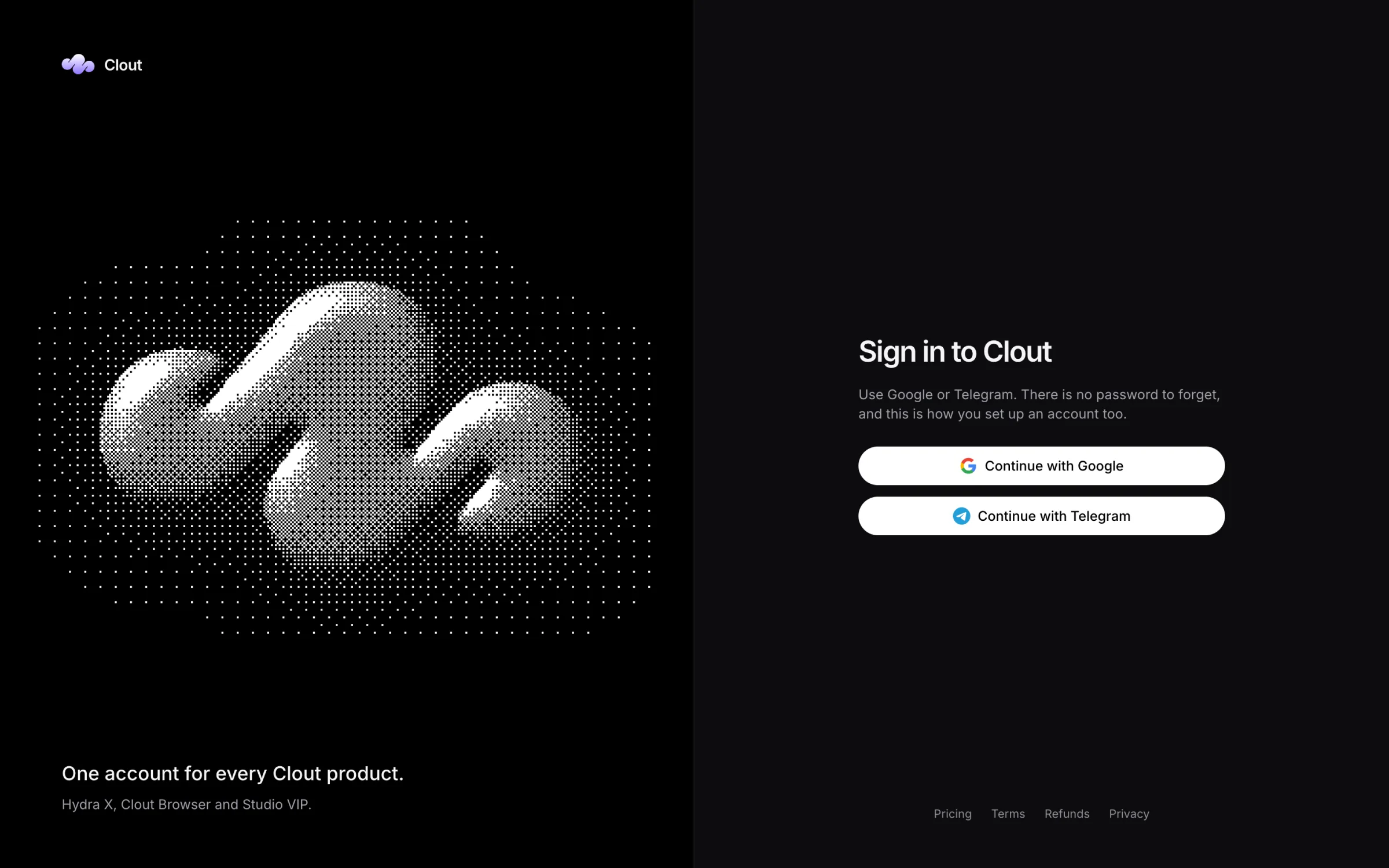
Use Google
- Select Continue with Google.
- Choose the Google account you want to use with Clout and finish Google's sign-in.
- Return to the portal, or to the product that started the sign-in.
Use the same Google account each time. If your team invited you by email, choose the Google account with that verified email address.
Use Telegram
Choose Continue with Telegram, or use the Telegram login button shown on the page. Finish the sign-in through Telegram and return to Clout.
Telegram sign-in also works without an email address. If you were invited by Telegram username, sign in with the Telegram account that holds that username.
The page tells you if a sign-in method is not switched on. Use the other available method, or talk to us.
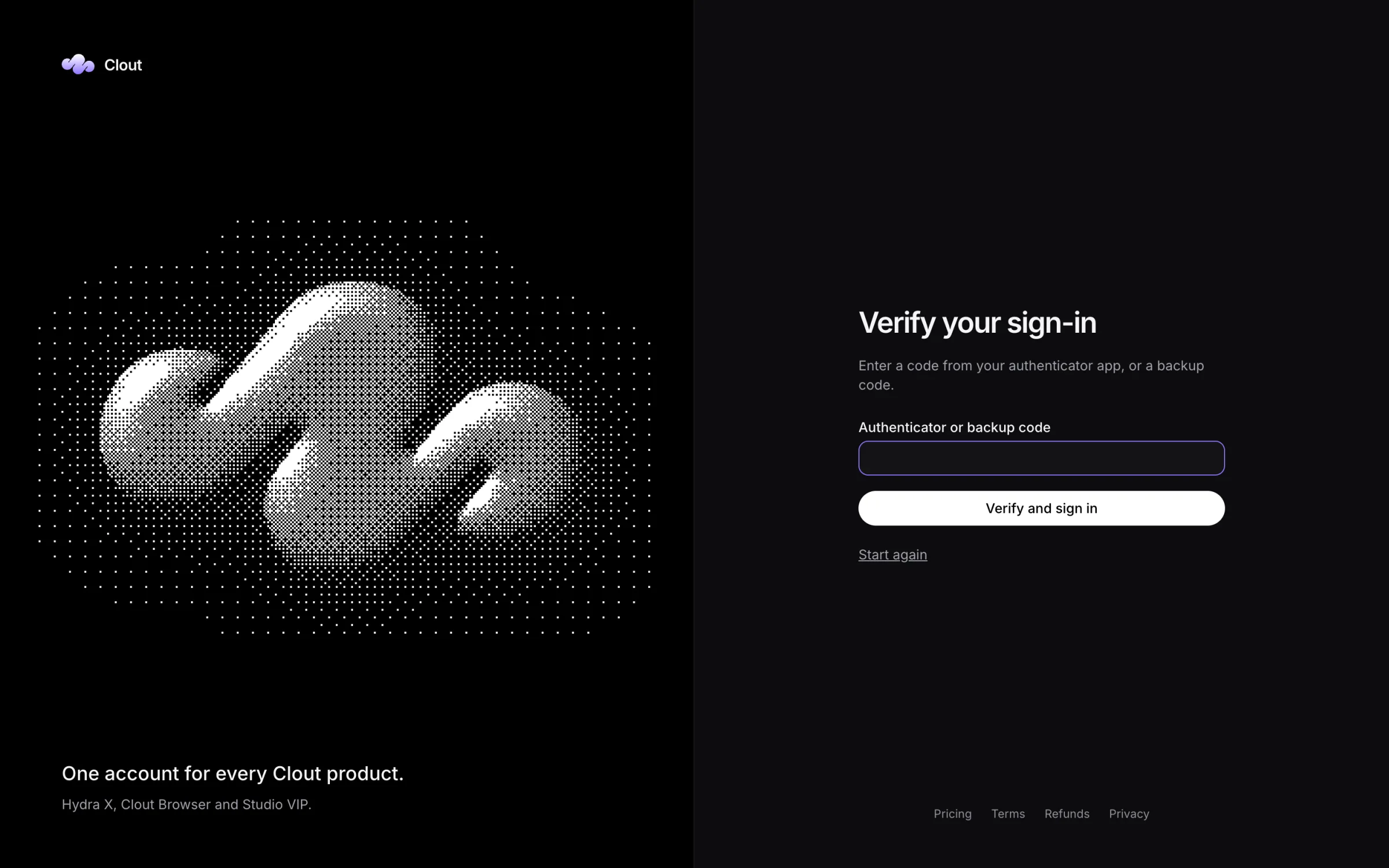
If you have enrolled an authenticator, the portal asks you to Verify your sign-in after the provider step. Enter a current authenticator code or an unused backup code.
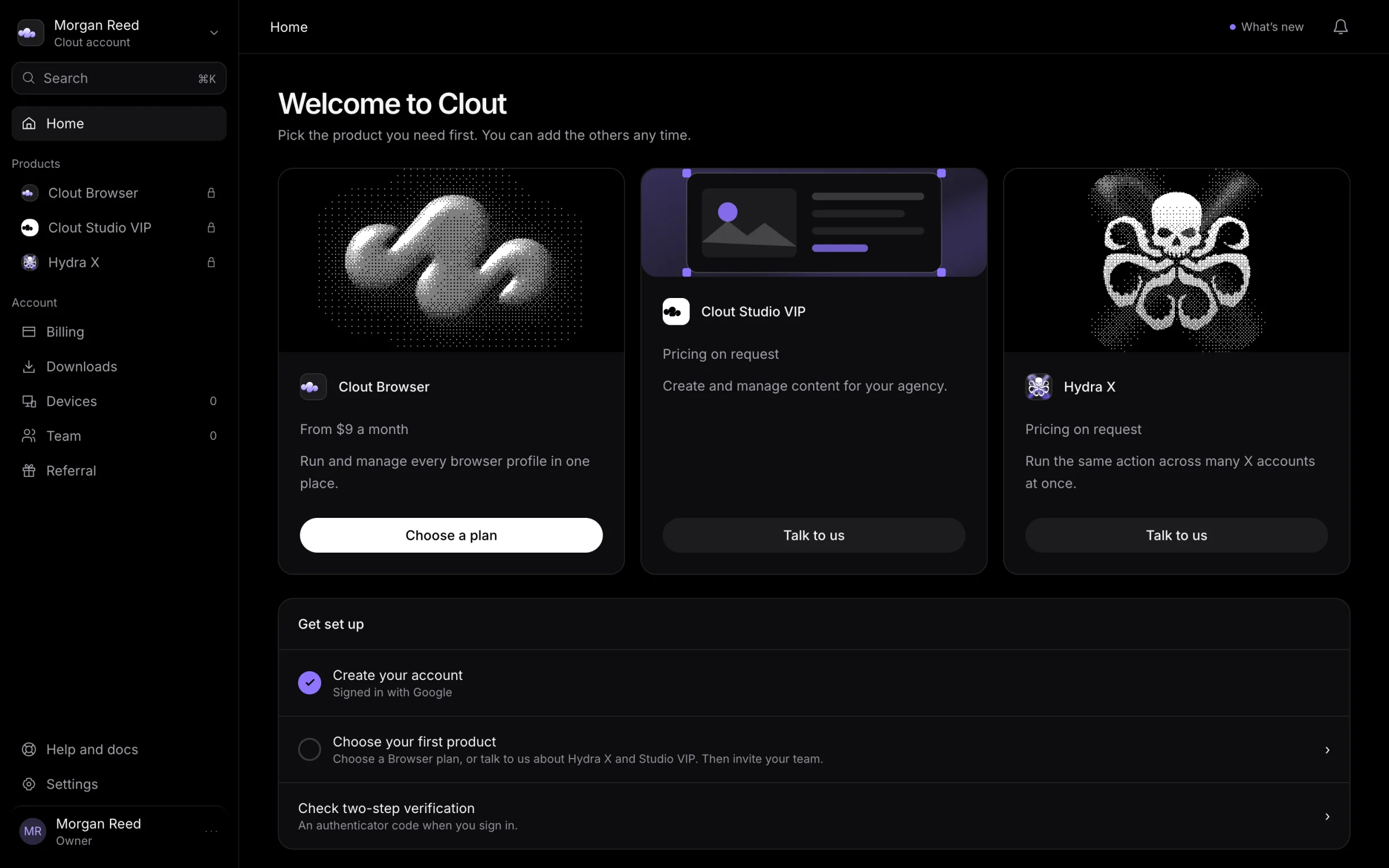
A new account opens Home, where you can choose your first product.
Return to the same account
Clout identifies your account by your Google or Telegram identity. It does not merge two accounts just because they share an email address. If sign-in says the address already belongs to an account, use the provider named in the message.
Open Settings, then Sign-in methods, to see which providers are linked to the account you are using. If you need help with a duplicate account or a different sign-in method, contact Clout.
Sign in from a product
When a Clout product opens the portal to sign you in, finish that flow in the browser it opened. The product returns you to its own interface after the portal confirms your identity.
Hydra X and Studio VIP also apply their own access checks. If you can sign in to Clout but cannot open a product, check access.
If sign-in fails
| Message or situation | What to do |
|---|---|
| The flow took too long or started in another tab | Start again from the sign-in page or the product. |
| Google would not let the account through | Try Telegram, or contact Clout. |
| The session expired or was revoked | Sign in again. |
| The account is suspended or closed | Contact Clout using the account you normally sign in with. |
There is no Clout email/password sign-in or password-reset flow. Secure your Google or Telegram account through that provider.