Downloads
Choose an available installer in the portal and sign in to the installed product with your Clout account.
On this page
Open Downloads in the client portal. Each product has its own section, with a Download button beside each available platform.
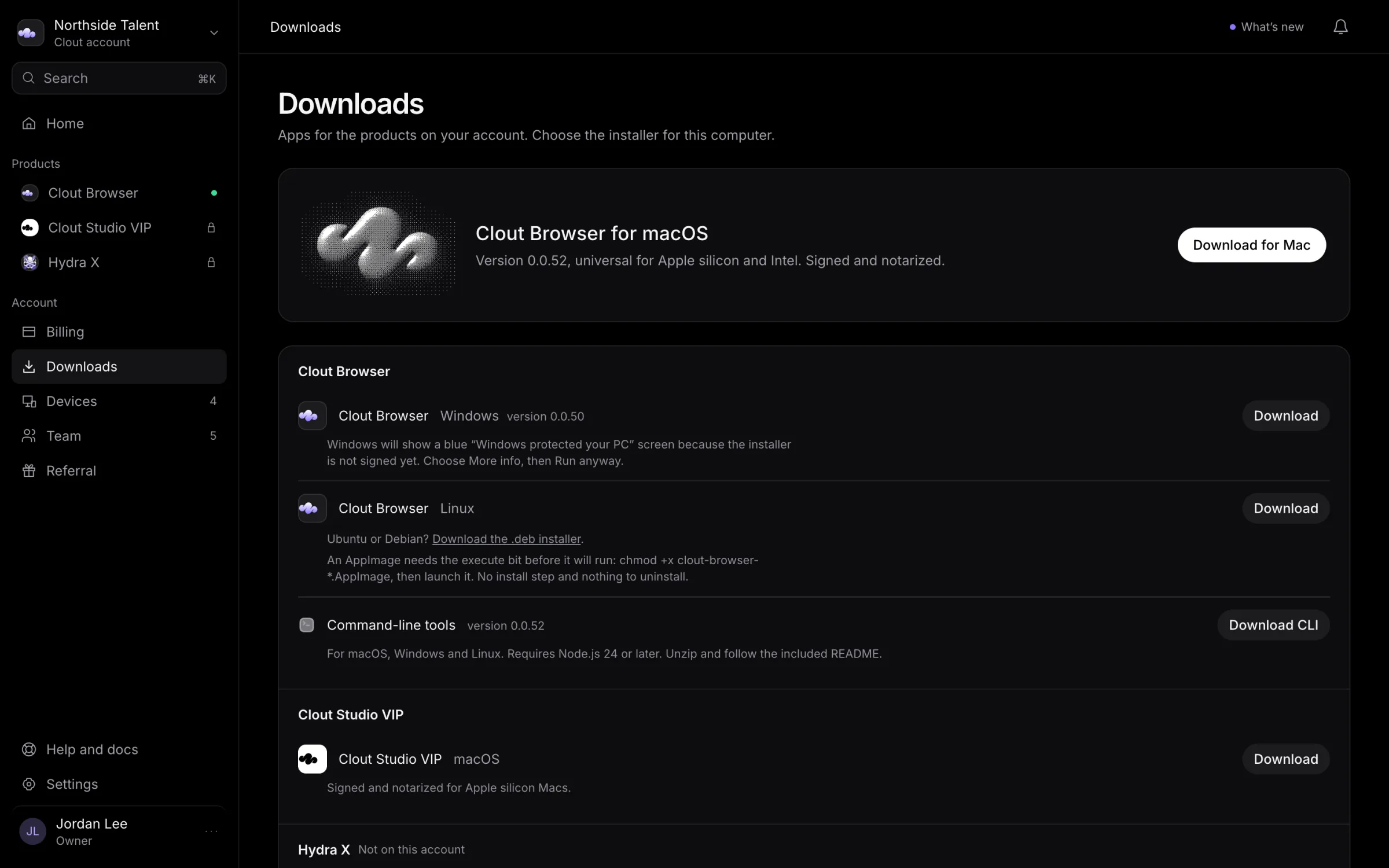
Choose an installer
- Find the product you want to install.
- Choose the row matching your operating system.
- Read the version and any installation note on that row.
- Select Download, install the app, and sign in with the Clout account that has access.
The portal lists platforms with an installer in its release manifest. A missing platform is not a download you should try to construct yourself.
Available builds
| Product | Builds listed in the portal |
|---|---|
| Clout Browser | macOS, Windows, and Linux. Linux also offers Download the .deb installer for Ubuntu or Debian. |
| Hydra X | A macOS desktop installer. Use Open Hydra X on the product page for the web app. |
| Clout Studio VIP | A Mac installer for Apple silicon. Use Open Studio for the web app. |
Different platforms can have different release versions. Use the version shown beside your platform rather than assuming every installer is the same release.
Access and installation notes
Clout Browser's download controls depend on active or trialing product access. If the section says Not on this account, check Subscriptions and Billing.
Hydra X's controls depend on access recorded for your account. Studio checks access inside the product; downloading its installer does not grant access.
Read the first-launch note shown for your build. Signing and notarization can differ between products and platforms, so follow that row's instructions if the operating system asks you to confirm opening the app.
Command-line tools
Clout Browser's section also has Download CLI when a command-line release is listed. Check the Node.js requirement shown there, unzip the download, and follow the included README.
After installation
A Clout Browser computer appears under Devices when the app signs in. You do not add or pair it from the portal.
For product-specific setup, continue in the Clout Browser, Hydra X, or Studio VIP guide.