Deleting your account
Review what account deletion removes, who loses access, and which records remain before confirming.
On this page
Open Settings → Account, then Closing your account, to delete your Clout account. The portal shows a preview before you confirm.
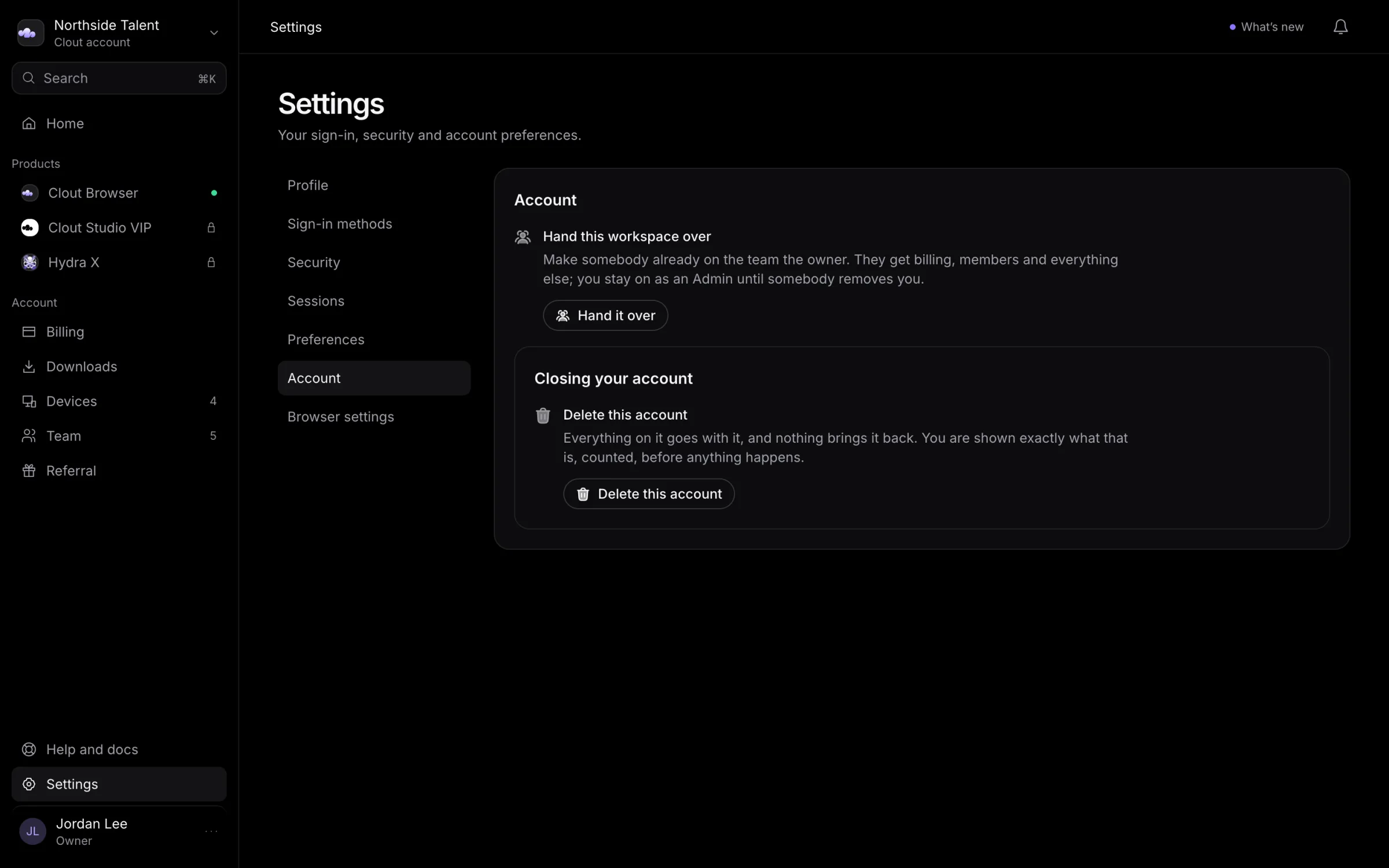
Account deletion is separate from subscription cancellation. To stop future recurring charges, use Billing first. If your access or payment was arranged with Clout, talk to us about ending it.
Review the preview
Select Delete this account. Read What goes for the counted data the account service will remove, and What does not go, and why for the records it keeps.
| Your relationship to the workspace | Consequence |
|---|---|
| You own it | Deleting the account removes the workspace data covered by the preview. Other teammates lose access. |
| You are a member of someone else's workspace | Your account leaves that workspace. Its data remains for the other members. |
| You previously handed a workspace over | Deletion is blocked while that workspace is still filed under your account. Its owner must delete it or hand it back. |
If someone else should keep managing your workspace, read Handing over ownership first, including its restriction on later deleting your account.
Confirm deletion
- Read the counted removals and the warning about teammates.
- Type the account ID shown in the dialog into Account id.
- If requested, enter a code from your authenticator or an unused backup code.
- Optionally fill in Anything you want to tell us (optional).
- Select Delete my account.
After success, the portal returns you to sign-in. Use Cancel if any part of the preview is unexpected.
Deletion cannot be undone from the portal. Confirm only after reviewing the data and people affected. Contact Clout before deleting if you need a copy of your data or clarification about another product's records.
Records that remain
The account service retains anonymised audit and credential-access records. Where the preview lists stored browser data, the encrypted objects expire in storage after the account's key is removed. An already-issued licence stops working when the computer next rechecks it.
The privacy policy also explains backup retention: daily backups are kept for 14 days, and a monthly copy for up to 400 days. Copies of deleted data leave those backups as the backups expire.