Account and billing
Manage your plan, devices and account security, and understand how sessions, credentials and exports are handled.
On this page
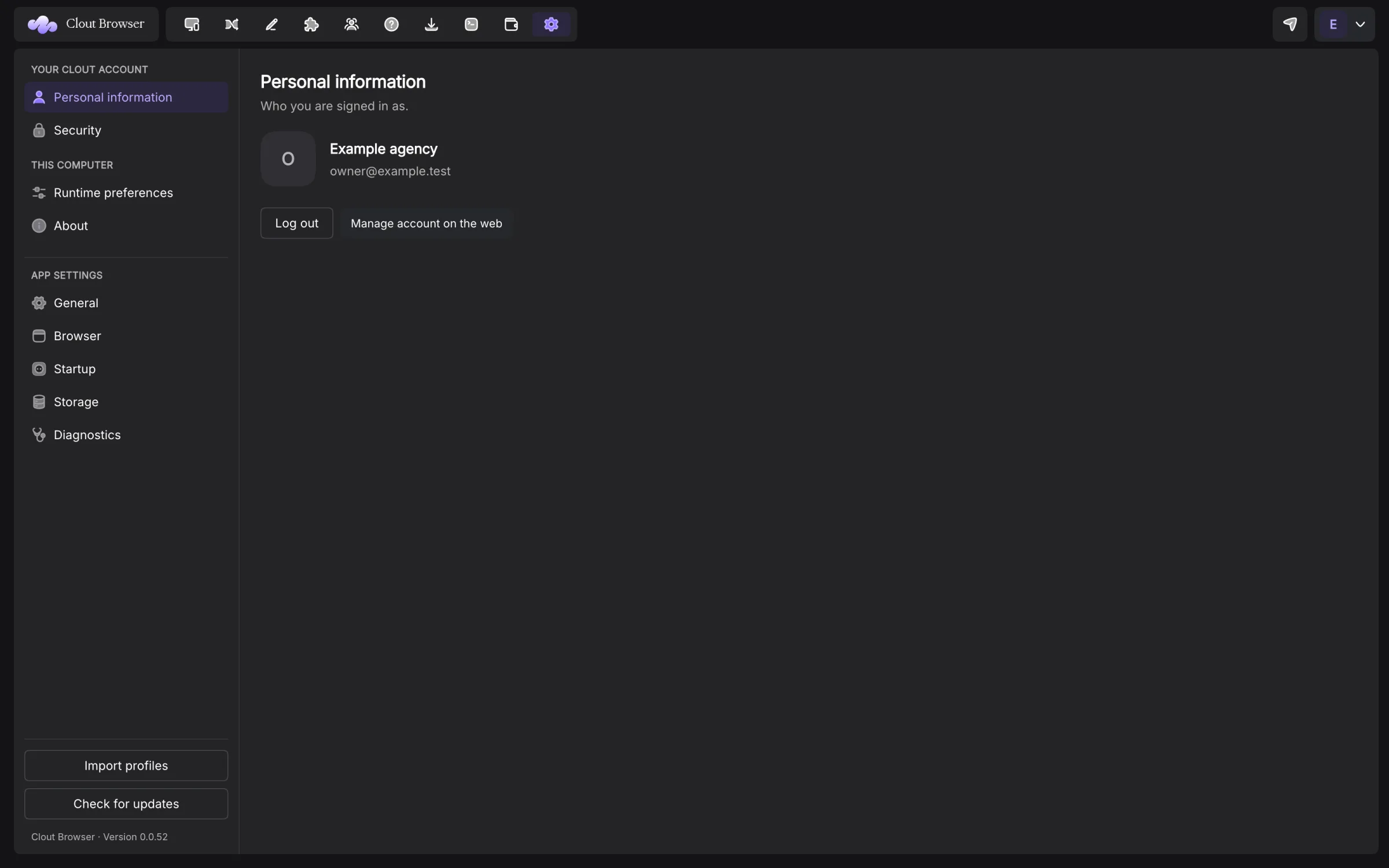
Your Clout account owns the plan and workspace. Settings → Personal information shows the signed-in identity and Manage account on the web opens the portal. Security links to two-factor setup and signed-in computers.
Manage the plan
Open Billing in the app. The subscription view shows the current plan and usage for Profiles, Computers signed in and Seats. Choose a plan or Change plan opens the current catalogue. Prices come from the account service; see Pricing.
Checkout is opened in the account portal through your system browser. A computer joined only with a device token can read plan information, while billing changes require account sign-in.
Manage billing opens portal Billing. There you can change or add a payment card, view invoices, cancel or resume a subscription, change a plan and buy bypass traffic. An invoice can offer hosted and download links when the provider supplied them.
Limits and renewals
Your account’s current limits decide how many profiles, registered computers and team seats can be used. Read those figures in Billing rather than assuming a fixed cap from an example. Open team invitations hold seats too.
A subscription marked Ends at period end stays scheduled to end at its displayed date. Resume removes the cancellation when available. A lifetime purchase has no renewal date; its bypass allowance differs from a recurring subscription, so check the wallet before depending on bypass.
A payment problem or lapsed plan makes account writes read-only. Reads remain available. Local API write routes also enforce the write gate; disabling a button in the app is not the only check.
The app can use a cached licence document for seven days offline. An expired cache remains read-only until refreshed. Connected computers also have the separate 60-minute sync launch window described in Computers and sync.
If Billing is stale after a payment, refresh the account’s licence and re-check the plan. Keep the checkout result and contact Clout if the account still disagrees; do not buy the same plan again to refresh a display.
Bypass traffic
The bypass panel shows the allowance for this period, prepaid wallet, remaining balance and reset date. Packs do not expire. At zero, bypass turns off and traffic goes through the proxy. There is no charge in arrears.
The portal’s account switch can turn bypass off. Proxies and traffic explains why measured Saved bytes and wallet balance are different figures.
Protect sign-in and computers
Complete sign-in in the system browser. Protect the account provider and enable two-factor authentication from Security → Open account on the web.
The desktop session is stored through operating-system secure storage when available. A syncing computer generates its own asymmetric key. Remove a lost computer from Devices; signing out this app locally is not a substitute for revoking its access.
Log out returns this app to sign-in. Device join tokens enrol computers without sharing the owner’s sign-in; treat a token as an enrolment credential and revoke it when no longer needed.
Where browser data and credentials live
The local store contains profile metadata and launch records. Browser directories contain cookies, storage, history and extensions. Launching a browser necessarily makes the session material it needs available on that computer. Administrator access to the machine can read that material.
Ordinary sync pages exclude passwords, two-factor seeds, proxy passwords and cookie values. Credential access uses a separate audited path. Browser-data transfers move supported data kinds through their own capture and restore process. Saved browser passwords are excluded from that transfer.
Stored service-side secrets use envelope encryption. The service can decrypt them to prepare a browser; this is not encryption whose key only you hold. A database copy alone does not contain the unwrapped secret keys, but a server administrator with access to the key material has a different level of access.
Team access still matters. A person who can launch a profile can use its logged-in browser session. Restricting plain-text reveal does not remove that capability.
Exports and deletion
Profile JSON, ZIP and CSV exports exclude credentials, proxy passwords and cookies. Export cookies is separate and contains session material; keep that file private and delete it after use.
Account closure is handled on the web, separate from trashing a profile or removing a device. Read the deletion confirmation and make the exports you need beforehand.
Refund terms and the legal handling of your account are on Refunds, Terms and Privacy. Use those pages for current policy rather than an old plan screenshot.