Sign-in and first-time setup
Follow sign-in, device joining, engine download, import, tour and recovery states.
On this page
Clout completes account sign-in in your system browser. If you do not have an account yet, talk to us.
Sign in with your browser
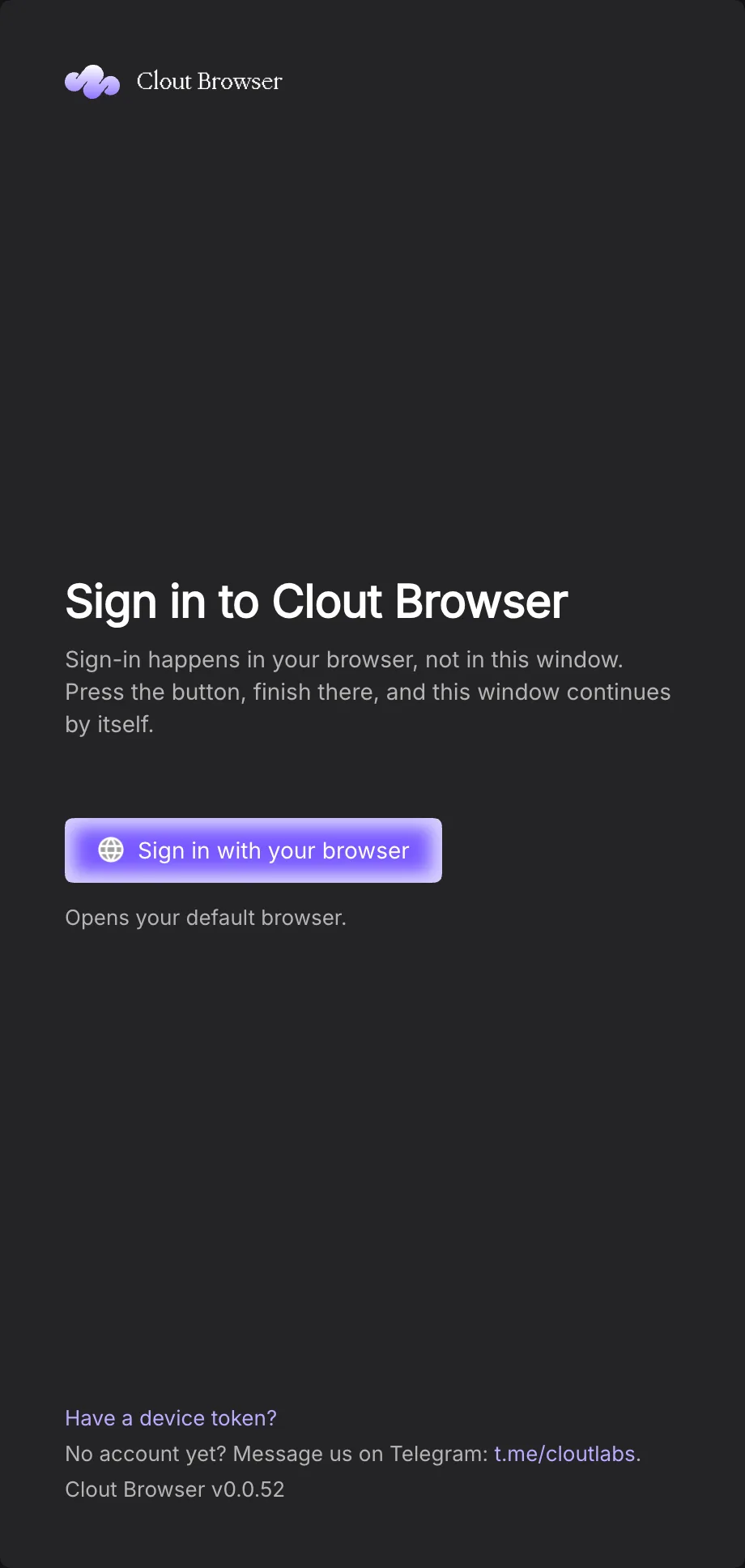
Press Sign in with your browser. While the app says Waiting for your browser…, complete the tab it opened and return to Clout. The window continues when the account flow finishes. If no tab opened, use Cancel and start again; Retry repeats a failed attempt.
Join with a device token
Choose Have a device token?, fill Device token and press Join. The computer joins the token owner’s account without an account sign-in. The field clears on success. Create a token from Security; keep it out of screenshots and support messages.
A joined computer removed under Devices returns to a screen explaining that it was removed. Sign in or join with a new authorised token rather than altering its identity files.
If this computer is offline
The signed-out window can show This computer is offline. Reconnect and it continues automatically. Check again checks connectivity sooner. This screen is different from the launch window for a computer already connected to sync; see Work offline.
Walk through setup
The flow shows only the steps this computer needs. Back returns to the previous step. Skip setup leaves the flow; unfinished setup can be reopened from Settings → Runtime preferences → Getting started → Show again.
| Step | What you do |
|---|---|
| Welcome to Clout Browser | Review the upcoming steps, then Get started |
| Choose a plan | Read the current catalogue, or Skip for now to use the starter browser and decide later; current terms are on Pricing |
| Getting the browser engine | Review installed versions or download progress; Continue lets setup proceed while the engine downloads |
| Bring your profiles | Select sources in the same discovery panel as Import profiles; if nothing can be imported, use Create your first profile |
| How it works | Follow or close the tour; Show the tour again restarts it |
| You are set up | Read what actually imported and whether an engine is installed; choose Open my profiles or Launch my first profile when offered |
An import count of zero means nothing was imported. A download still in progress does not mean setup failed; the engine strip reports its progress and the first launch waits for its required engine.
Revisit the tour and release notes
The register’s How it works control starts the tour. Follow its highlighted controls, advance through its steps or close it when finished. The command palette also offers the tour.
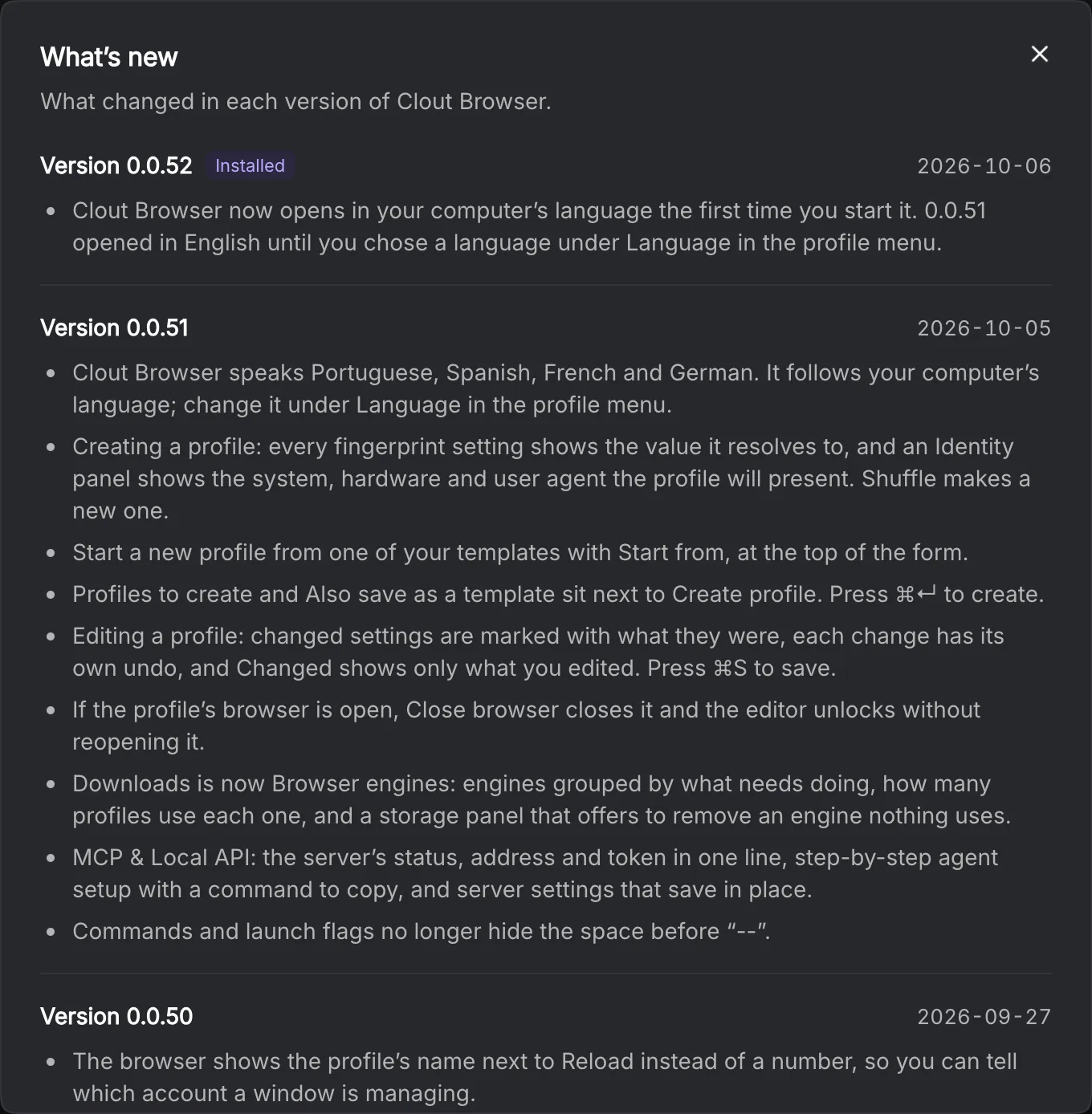
What’s new in the workspace menu opens the in-app release notes. Compare its version with About → Copy version and the platform-specific download version. An app update and a browser-engine update are separate operations.